


Discover the best CapCut discounts, promo codes, and deals to save both money and time while shopping. Today, you can enjoy up to 30% off the CapCut Pro plan and have the opportunity to use the Pro version for up to 7 days entirely free of charge.
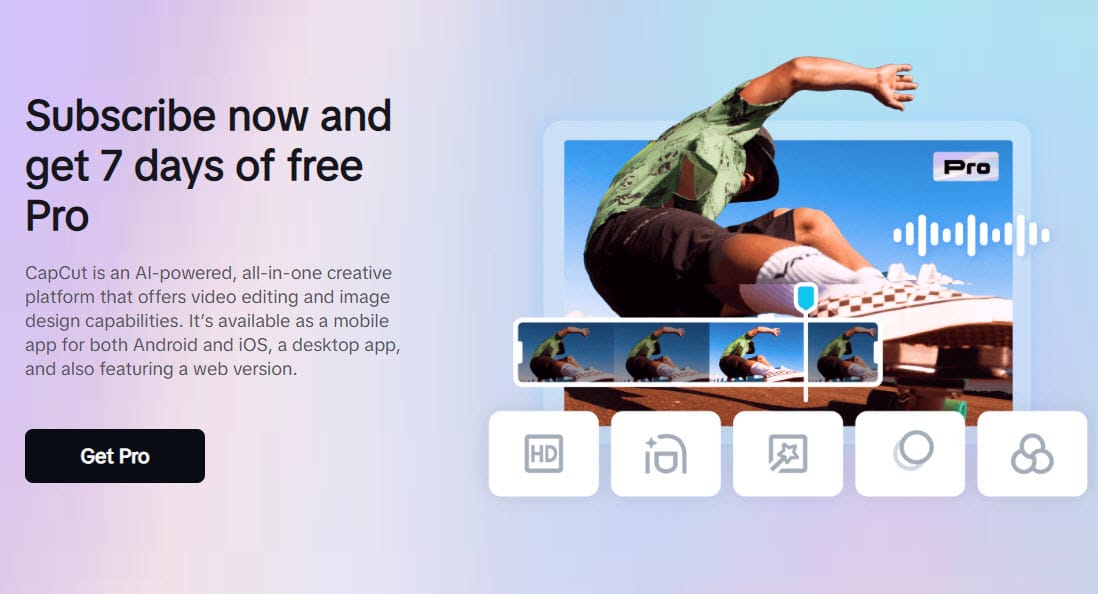
 CapCut (capcut.com) is an AI-powered, dynamic, feature-rich, and user-centric video editing platform that has quickly become a favorite among content creators around the globe. Developed by ByteDance, the same company behind TikTok, CapCut combines advanced editing capabilities with a straightforward and accessible interface, catering to the needs of modern video production. The app supports 4K video resolution and is compatible with Android, iOS, Windows, and macOS platforms, and has successfully carved out a niche in an increasingly competitive market.
CapCut Discount Code For June 2026
This CapCut promo code provides a 30% discount on both monthly and yearly plans for CapCut Pro, and pays $9.99/mo and $89.99 for yearly Pro plans.
Enjoy a 30% discount on the Pro plan at CapCut. This code is valid for all monthly and yearly plans.
This offer provides a CapCut Pro monthly subscription plan for just $6.99 instead of $9.99 as usual.
You can now sign up for the CapCut Pro yearly plan for just $62.99 instead of $89.99, saving up to 30%.
Use this code to receive up to 45% off when you upgrade to the Pippit Starter subscription after your 30-day free trial. You will also receive 150 credits per week, two AI-powered features, and free storage upon signing up.
Sign up for a new CapCut account using this promotional offer to enjoy up to 7 days of free access to the Pro version.
CapCut promo code for a free gift upon signing up with a free 7-day trial.
Cut to the next shot like magic with free, cool video transitions in CapCut. No credit card is required.
Get free cloud storage to enhance your video editing tasks with CapCut. CapCut not only provides excellent personal video cloud storage but also outstanding services for professional use.
Restore your old photos using AI and bring them back to their original brilliance with just one click. Enjoy this service for free now.
Discover an extensive list of the best free voice changers, featuring a wide array of voice effects online to suit different scenarios, all presented with an interface designed for both simplicity and creativity.
Allows you to add free video effects and filters to your video clips, bringing them back to life and making your videos authentic and captivating.
Easily remove background videos with one click using face recognition technology. Change the background color, image, or add new background videos, all for free.
Enhance your videos with CapCut's royalty-free music library. Engage your audience with captivating background tracks, all without a watermark and free.
Save up to 20% off when you upgrade to CapCut Pro this Black Friday. Enjoy unlimited access to all creative tools, trending effects, and a complete music library—everything you need to make your videos look and sound amazing.
(*) Pay with PayPal, Credit cards, and your local payment method.
CapCut Pricing
Currently, CapCut offers a free basic version to all users, no payment required (sign up now). Advanced users can upgrade to CapCut Pro, which costs just $9.99 a month and $89.99 a year (US market).
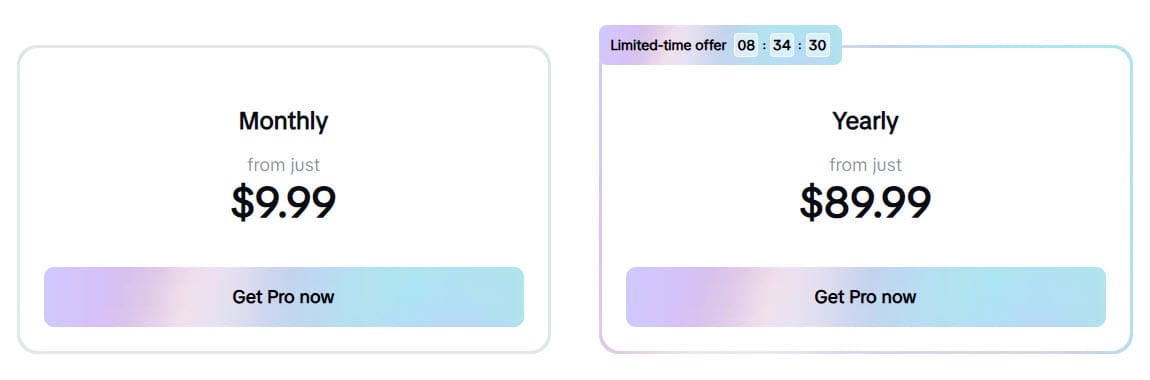
CapCut Pro Pricing Tiers:
- Monthly Subscription: $6.99–$9.99.
- Annual Subscription: $62.99–$99.99
- Lifetime Access: Occasionally available as part of promotional deals, priced around $69.99–$99.99.
(Note: Prices may differ slightly based on regions and local currency conversions.)
CapCut Pro offers enhanced features, improving the overall editing experience. By subscribing to the Pro plan, you gain many additional benefits that make the investment worthwhile compared to the Free plan. Let’s examine a comparison table highlighting the key differences between the two versions for a clearer understanding.
| Feature | CapCut Free | CapCut Pro |
|---|---|---|
| Price | Free | $6.99–$9.99/month (or $62.99–$99.99/year) |
| Watermark | Yes | No |
| Export Resolution | Up to 1080p | Up to 4K |
| Frame Rate Support | Standard frame rates | High frame rate support (up to 60fps) |
| Export Speed | Slower rendering times | Faster rendering and export speeds |
| Templates & Effects | Basic library of templates and effects | Extensive library with premium templates |
| Custom Fonts | Limited | Fully customizable fonts and text styles |
| Advanced Stabilization | Basic stabilization | Enhanced video stabilization |
| Multi-Layer Editing | Limited | Advanced multi-layer editing |
| Keyframe Animation | Limited | More advanced keyframe options |
| Chroma Key (Green Screen) | Basic functionality | Enhanced green screen tools |
| Color Correction Tools | Basic adjustments (brightness, contrast) | Advanced color grading options |
| Audio Tools | Basic voiceover and background music | Enhanced audio editing and mixing tools |
| Offline Access | Limited | Full offline access to premium features |
| Priority Support | No | Yes |
| Ad-Free Experience | Promotional banners | Completely ad-free |
CapCut Key Features
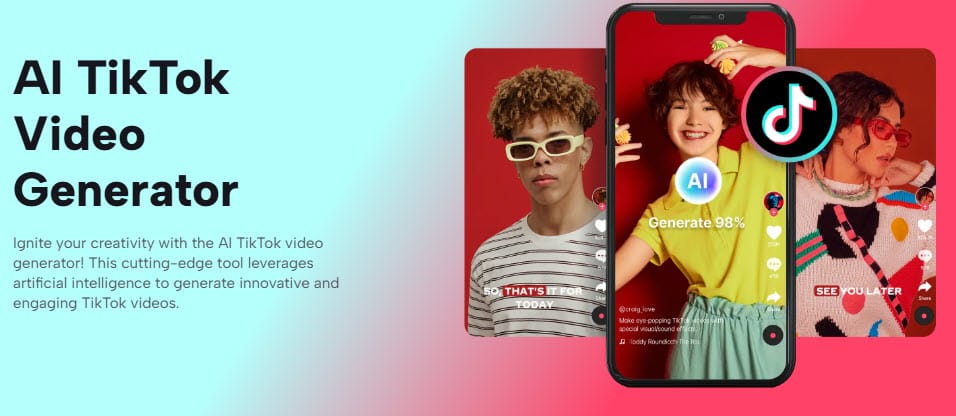
CapCut offers a wide range of advanced features designed to enhance video editing for serious content creators, influencers, and semi-professionals who seek high-quality results and greater control over their edits. Here are the top features that can improve your video editing workflow.
AI Video Generator: This cutting-edge tool leverages artificial intelligence to create innovative and engaging videos for TikTok, YouTube, Podcasts, Facebook, and Twitch.
Intuitive Editing Interface: The drag-and-drop timeline, combined with a range of editing tools, ensures that users, regardless of their experience, can navigate the application effectively.
Advanced Video Editing Tools: Users can effortlessly trim, split, merge, and reverse clips. More advanced functionalities include keyframe animations, multi-layer editing, and speed adjustments, allowing for dynamic video effects.
Creative Effects and Filters: A wide selection of filters, transitions, and visual effects is available, enabling users to add a professional touch to their videos. The library is frequently updated, keeping content fresh and relevant.
Text and Sticker Integration: CapCut supports extensive text overlay options with customizable fonts, colors, and animations. Additionally, stickers and emojis can be incorporated to enhance storytelling and engagement.
Sound Editing and Music Integration: The app includes a built-in sound library with royalty-free tracks and sound effects. Users can also import their audio files, adjust the volume levels, and apply audio filters to create a balanced soundtrack.
Exclusive Premium Templates: These professionally designed templates cover a variety of themes, including cinematic, vlog, social media, and promotional videos.
High Frame Rate (HFR) Support: CapCut supports high frame rate (HFR) video exports, allowing you to export videos at up to 60 frames per second (fps). This is ideal for slow-motion effects or smoother motion in fast-paced scenes.
Export Options: CapCut offers flexible export settings, including resolution choices up to 4K. This flexibility ensures that projects can be tailored for various platforms, from social media to professional presentations.
Regular Updates & New Features: This ensures that you’re always ahead of the curve when it comes to video editing trends.
Priority Customer Support: CapCut Pro subscribers receive priority customer support, meaning you’ll get faster responses and dedicated assistance if you encounter any issues or have questions about the app.
These features collectively make CapCut a versatile tool for various video production needs, from quick social media edits to more elaborate project productions.
CapCut Compatibility
One of CapCut’s strongest features is its broad compatibility:
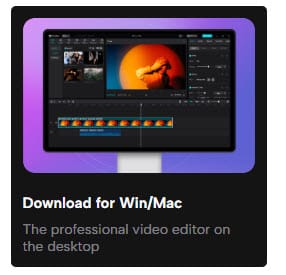
Whether using a touchscreen device or a traditional desktop setup, CapCut’s interface remains user-friendly and responsive. The consistent design across platforms ensures users can switch seamlessly between devices.
CapCut Pros and Cons

Pros
- Free to Use: Accessible for beginners with no cost for core features.
- User-Friendly Interface: Intuitive design with drag-and-drop functionality.
- TikTok Integration: Works well with TikTok trends and formats.
- Comprehensive Editing Tools: Offers filters, transitions, text overlays, trimming, merging, keyframing, and more.
- High-Quality Exports: Up to 4K resolution, watermark-free.
- Pre-made Templates: Quick options for polished content.
- Cross-Platform: Available on iOS, Android, Windows, and Mac.
- AI Features: Includes auto-captions and smart editing suggestions.
Cons
- Ads and Upselling: Frequent prompts for in-app purchases.
- Limited Advanced Features: Lacks tools such as multi-camera editing and advanced color grading.
- Privacy Concerns: Data collection practices may be worrisome.
- File Format Restrictions: Support for niche formats is limited.
Capcut Pro Special Offer
Get 30% off on monthly and yearly plans + 7 days of free Pro.
GET THE DEAL NOWLimited time offerOur Verdict
CapCut is a standout choice for anyone seeking a versatile and cost-effective video editing tool, and it’s an excellent option for TikTok enthusiasts looking for a free, easy-to-use tool with basic yet robust features. It strikes an excellent balance between affordability and functionality. Its free version is already one of the best mobile editing tools available, and the premium subscription adds enough value to justify the cost for serious creators. At less than $10 per month, CapCut Pro is significantly cheaper than its alternatives, like Vimeo, while offering features that rival them in many aspects.
If you’re still undecided, you can try CapCut Pro for free for 7 days to explore its advanced features and decide whether to upgrade. However, most users find that they eventually choose to upgrade to Pro due to its premium features and appealing pricing.
Furthermore, if you are a professional who uses CapCut for work, you should also check out Pippit AI, previously known as CapCut Commerce Pro. This new app makes it easy to transform your ideas into effective marketing content, helping to grow your business with the power of AI. You can also use our Pippit Promo Code to enjoy 45% off when you upgrade to the Pippit Starter plan.
Have a nice day, guys!

2 Comments
Code:
Url: https://www.newcoupons.info/capcut-discount-coupon-code/
————————————————–
It’s 89,99 instead of the 30% discount.
How to buy credits